
Commerce, natively in Umbraco.
Optimus Commerce turns your Umbraco site into a complete online store — catalog, cart, checkout and payments, all managed from the backoffice you already love.
Trusted by Umbraco agencies across Europe
NordlysEvergreenStudio VelaKontor&CoAtlas DigitalOne package. The whole store.
Everything you need to sell online lives inside Umbraco — no separate commerce platform, no duplicate content trees.
Native Umbraco editing
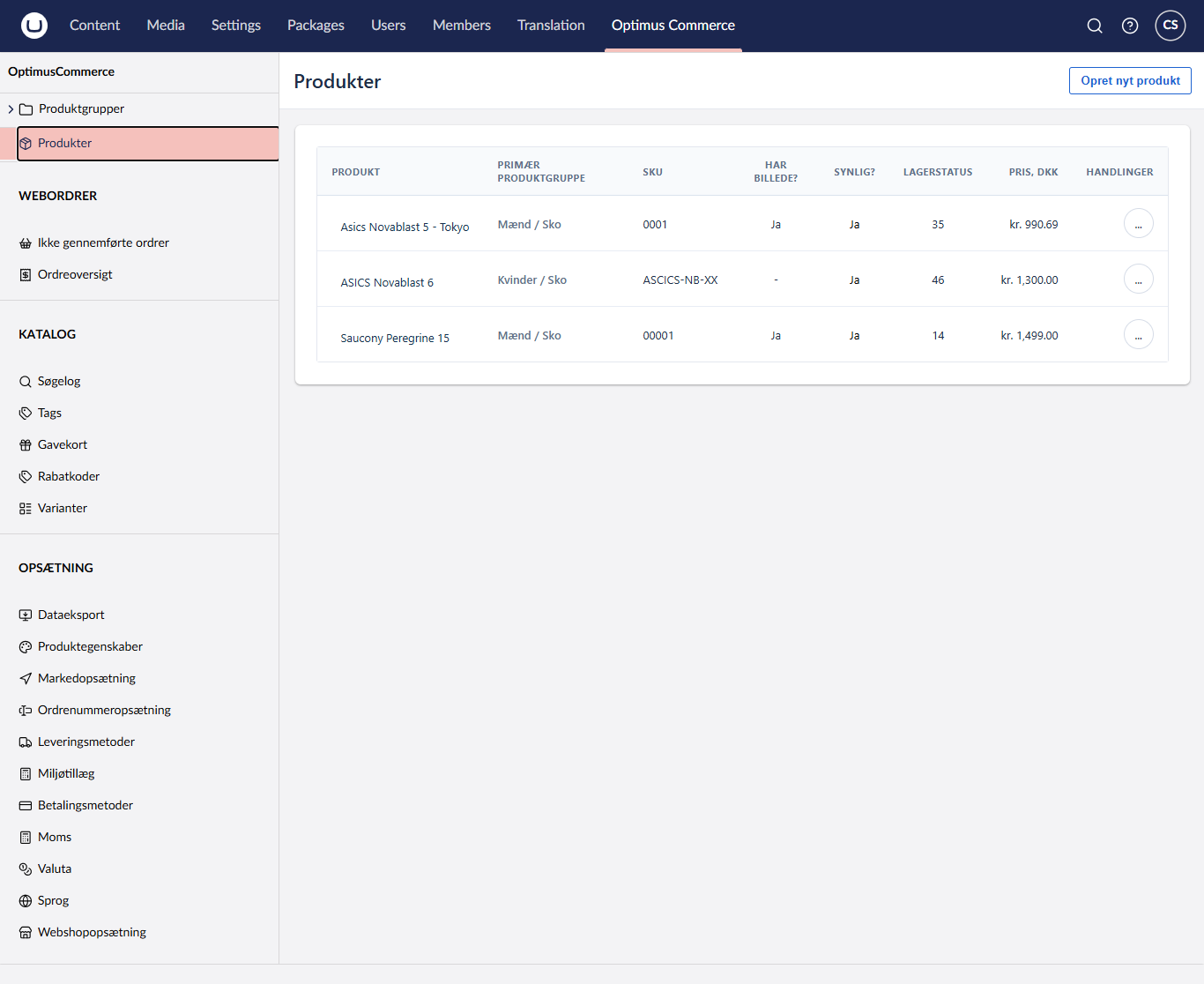
Manage products, variants and categories from the Umbraco backoffice you already know. No separate admin panel.
Cart, checkout & payments
A frictionless checkout with Stripe, Klarna and Mollie out of the box. Tax, shipping and discounts included.
Headless-ready API
Ship storefronts on Next.js, Nuxt or mobile with a typed JSON API. Same catalog, every channel.
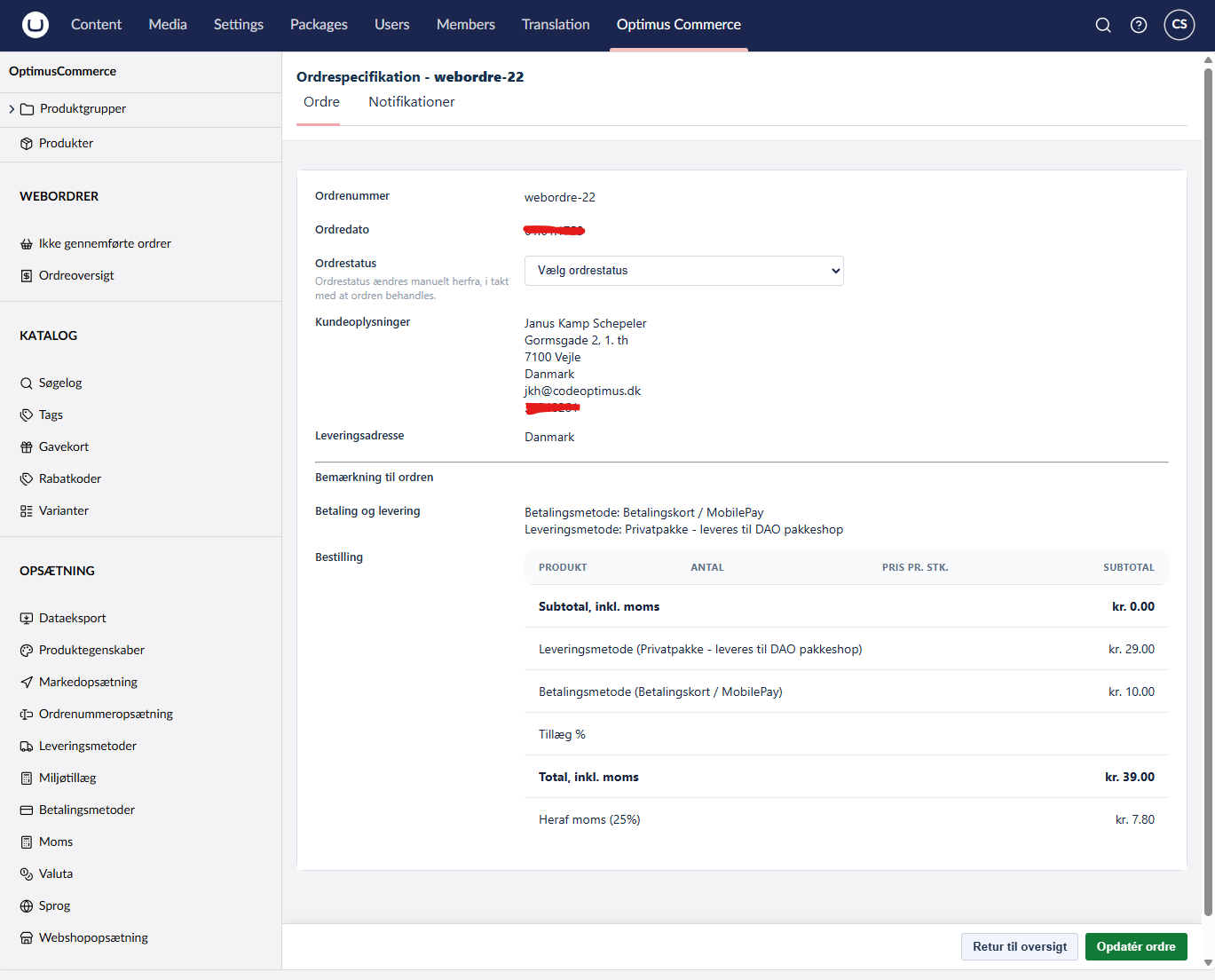
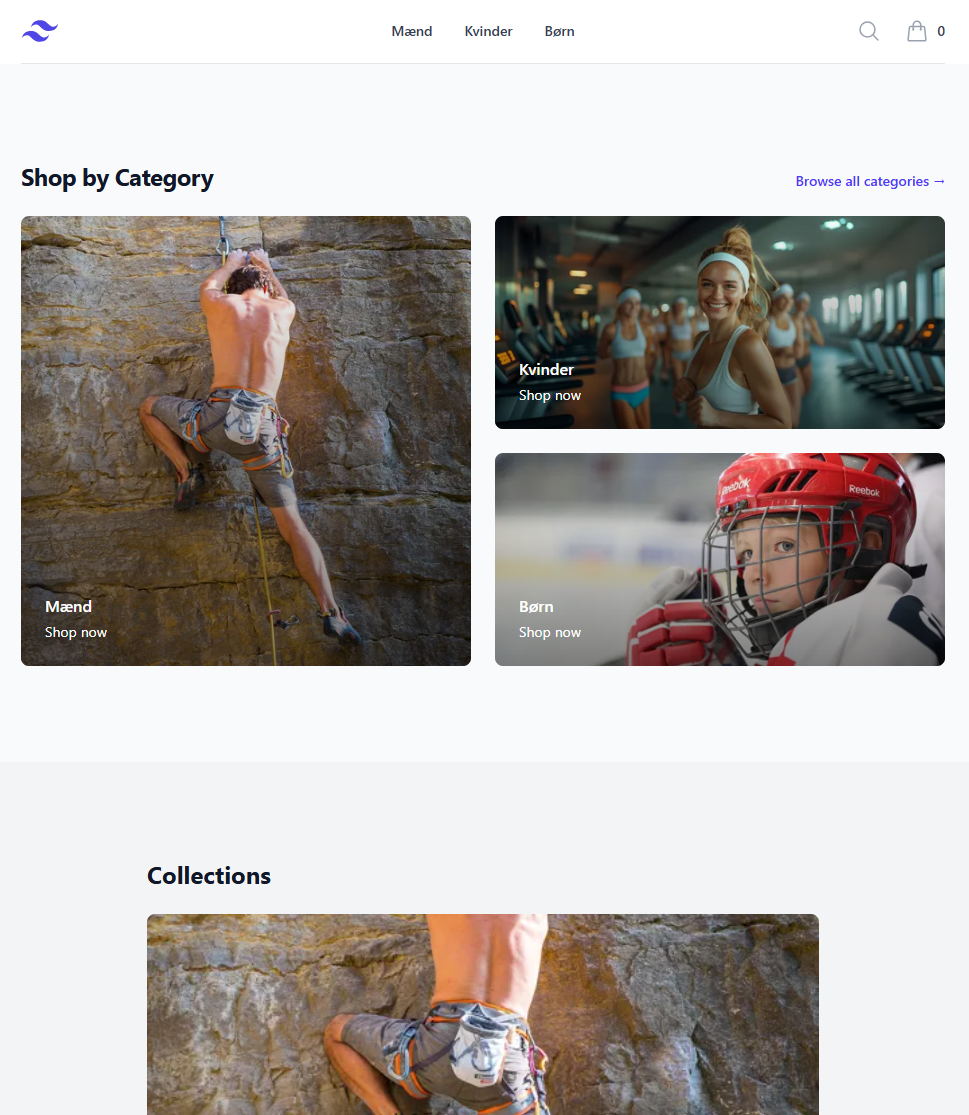
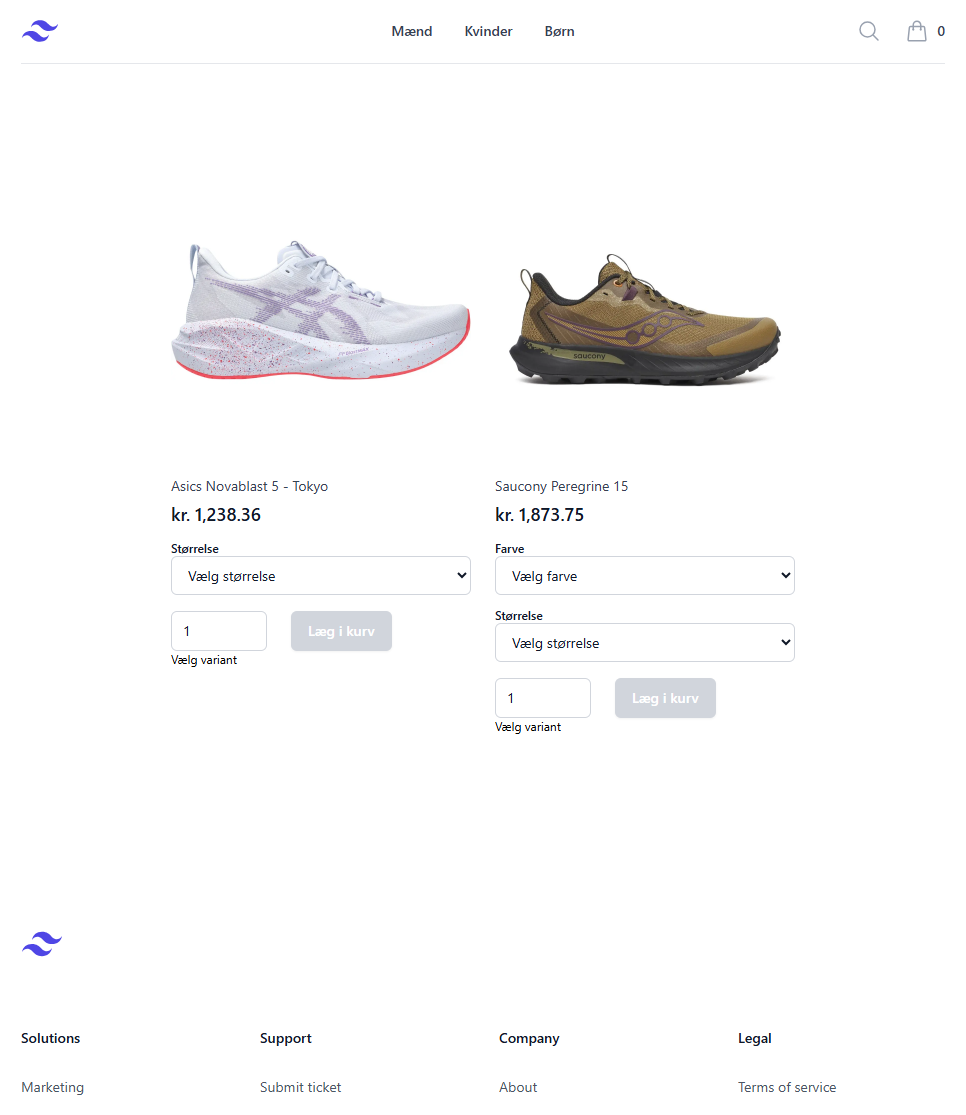
Backoffice and storefront, side by side
Editors manage the catalog and orders in Umbraco. Customers shop a fast, templated storefront — or your own headless build.
Built for editors and developers
A commerce surface that respects Umbraco conventions — so editors keep their workflow and developers get a clean, typed API.
Product catalog
Unlimited products, variants, bundles and media — organized with Umbraco content nodes.
Inventory & stock
Per-variant stock tracking, backorder rules and low-stock alerts in the backoffice.
Multi-store
Run several stores, currencies and languages from a single Umbraco installation.
SEO built-in
Canonical URLs, structured data, sitemaps and editable meta on every product page.
Discounts & promotions
Percentage, fixed, bundle and code-based promotions with scheduling and limits.
Orders & customers
A full order pipeline, customer accounts, returns and exportable reports.
From install to first order in three steps
No schema to author, no external services to wire up. Install, configure, sell.
Install via NuGet
Add the package to your Umbraco project and run the migrations. One command, no manual schema.
Configure in backoffice
Map document types to products, set up payment providers and shipping methods visually.
Start selling
Drop the storefront widgets on your templates — or build headless with the API. Done.
> dotnet add package Optimus.Commerce
    > dotnet run

// Migrations applied. Backoffice ready at /umbracoWhat teams say
"We replaced three plugins with Optimus and shipped a full store in a weekend. It feels like it was always part of Umbraco."
"The headless API let us build a Next.js storefront without rewriting our catalog. Editors still work in Umbraco."
"Finally a commerce package that respects Umbraco conventions. No separate admin, no duplicate content trees."
Start free. Scale when you grow.
Community is free forever. Pro and Enterprise add support, multi-store and SLAs.
Community
- Full feature set
- Up to 500 orders/mo
- Community support
- Self-hosted
Pro
- Unlimited orders
- Multi-store
- Email support
- Priority updates
- 1 year license
Enterprise
- Everything in Pro
- SLA & onboarding
- Dedicated support
- On-prem & cloud
- Source escrow
Questions, answered
Which Umbraco versions are supported?
Optimus Commerce supports Umbraco 17+ (CMS) and runs on .NET 10. The package ships as a NuGet installation with database migrations.
Do I need a separate admin panel?
No. Everything — products, orders, customers, promotions — is managed inside the Umbraco backoffice using the content tree and custom dashboards you already know.
Can I use it headless?
Yes. Optimus exposes a typed JSON API for catalog, cart and checkout, so you can build storefronts on Next.js, Nuxt, mobile apps or any other client.
Which payment providers are included?
Stripe, Klarna and Mollie ship out of the box. Additional providers are simple to add through the payment provider interface.
Is there a free tier?
Yes. The Community edition is free for stores under a defined order volume and includes the full feature set for development.
Ready to sell with Umbraco?
Install Optimus Commerce today and turn your Umbraco site into a complete store in an afternoon.