
Commerce, natively in Umbraco.
OptimusCommerce Extension (OCᵉ) turns your Umbraco site into a complete online store — catalog, cart, checkout and payments, all managed from the backoffice you already love.
Trusted and used by customers across Europe
Dafolo Forlag Kollund Hansen & NissenOne package. The whole store.
Everything you need to sell online lives inside Umbraco — no separate commerce platform, no duplicate content trees.
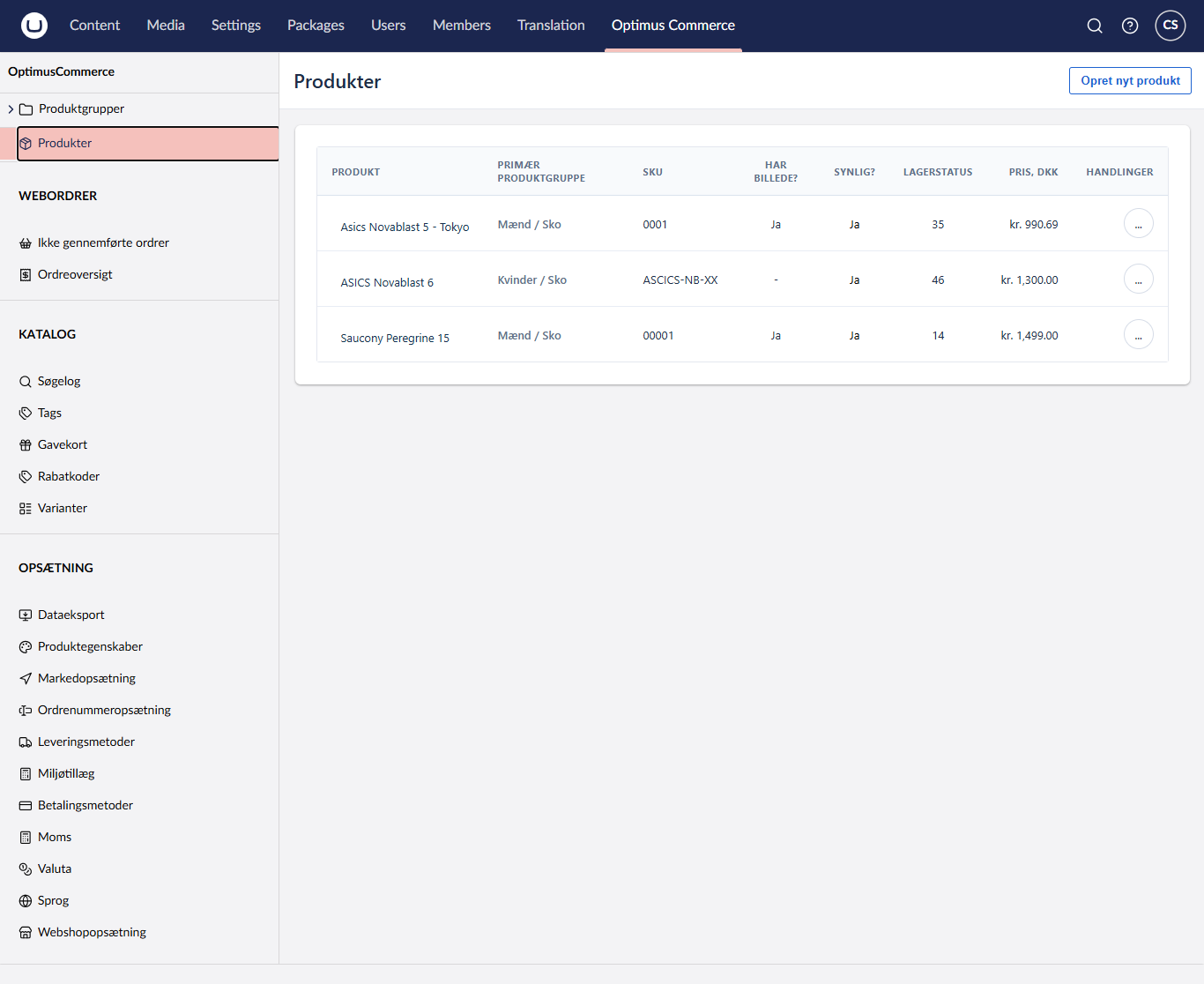
Native Umbraco editing
Manage products, variants and categories from the Umbraco backoffice you already know, but in a seperate section.
Cart & checkout
The OptimusCommerce Extension (OCᵉ) for Umbraco is helping you get going - adding webshop functionality to your Umbraco. Included in the package are templates for basket and checkout. -You are charge and you can simply integrate the creditcard providers that you may want.
C# Razor API
OCᵉ (OptimusCommerce Extension) is
Built for editors and developers
A commerce surface that respects Umbraco conventions — so editors keep their workflow and developers get a clean, typed API.
Product catalog
Unlimited products, variants, bundles and media — organized with Umbraco content nodes.
Inventory & stock
Per-variant stock tracking, backorder rules and low-stock alerts in the backoffice.
Multi-store
Run several stores, currencies and languages from a single Umbraco installation.
SEO built-in
Canonical URLs, structured data, sitemaps and editable meta on every product page.
Discounts & promotions
Percentage, fixed, bundle and code-based promotions with scheduling and limits.
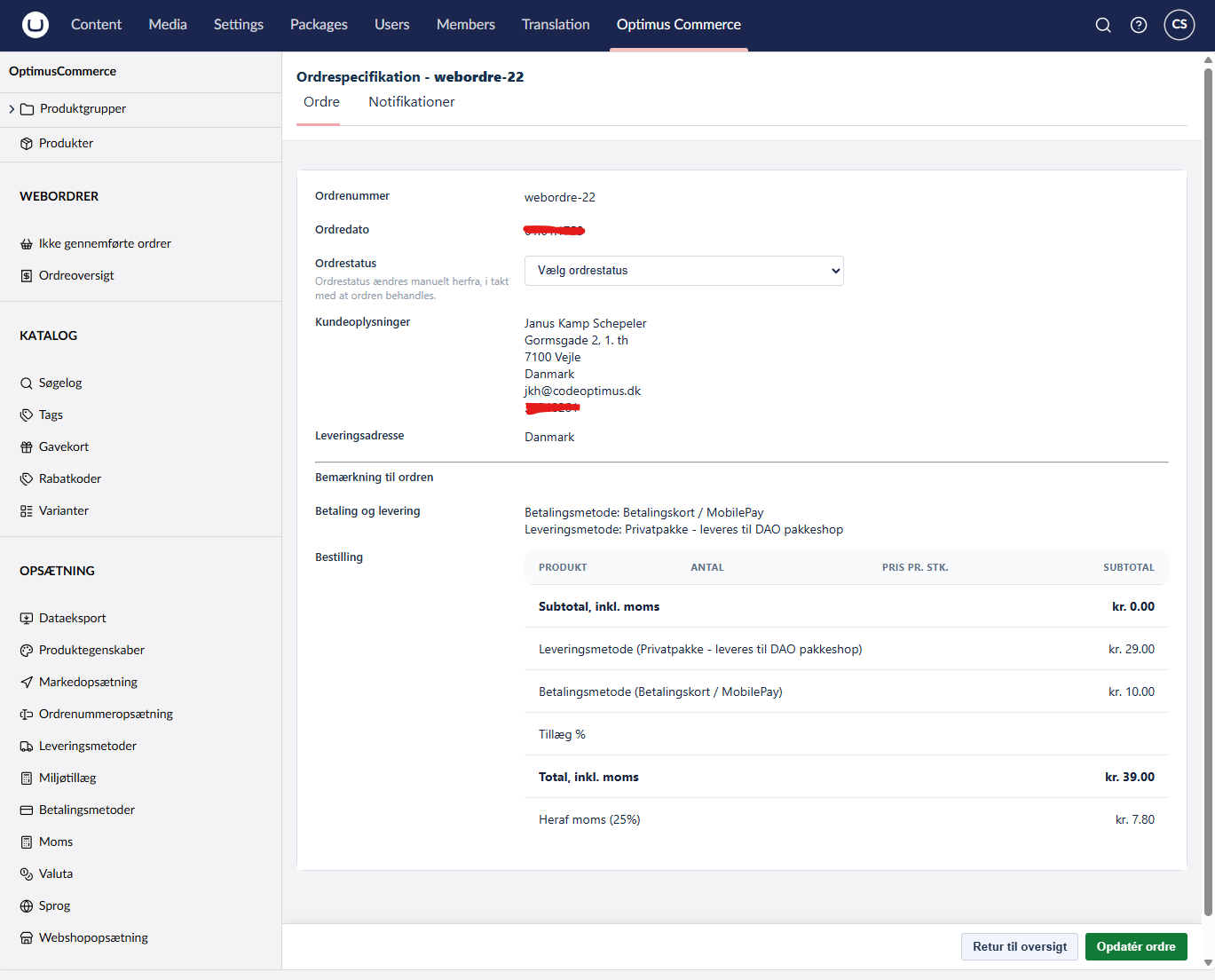
Orders & customers
A full order pipeline, customer accounts, returns and exportable reports.
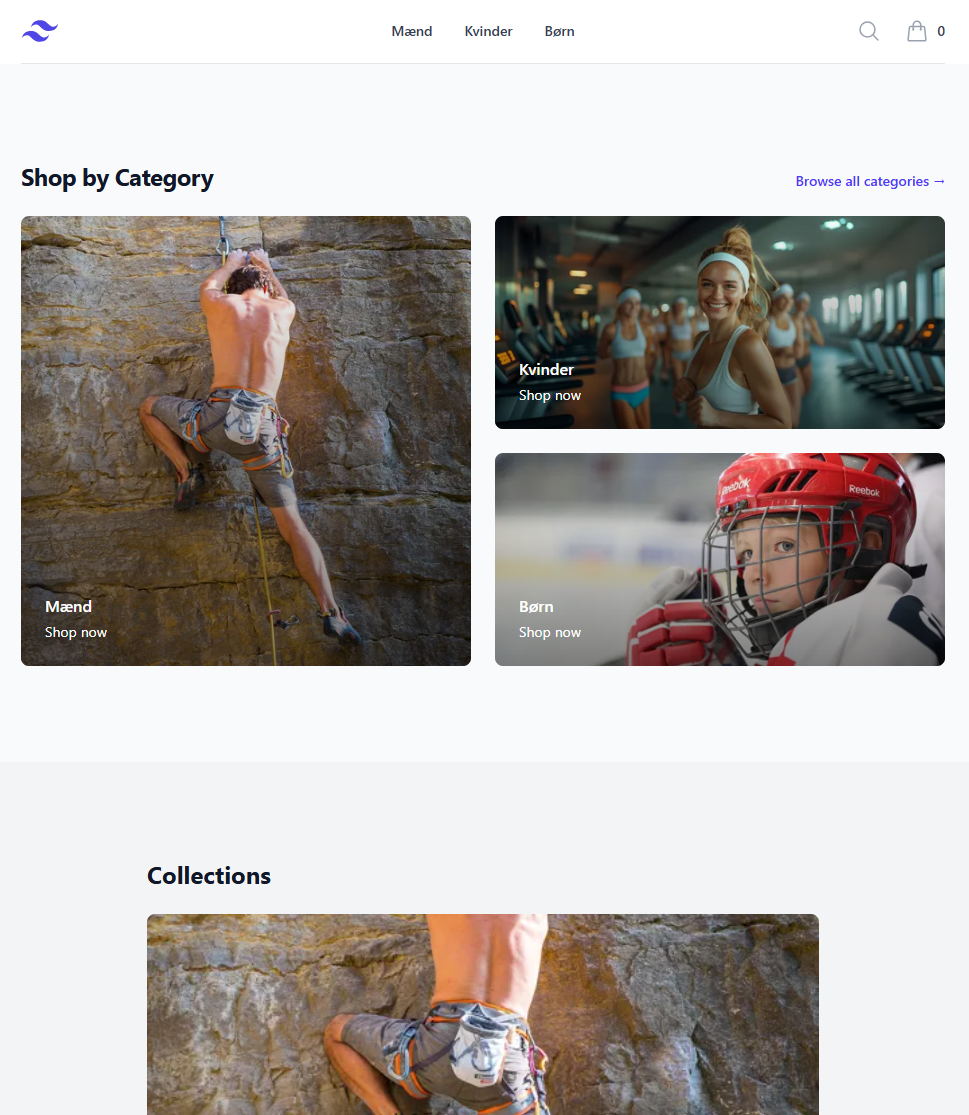
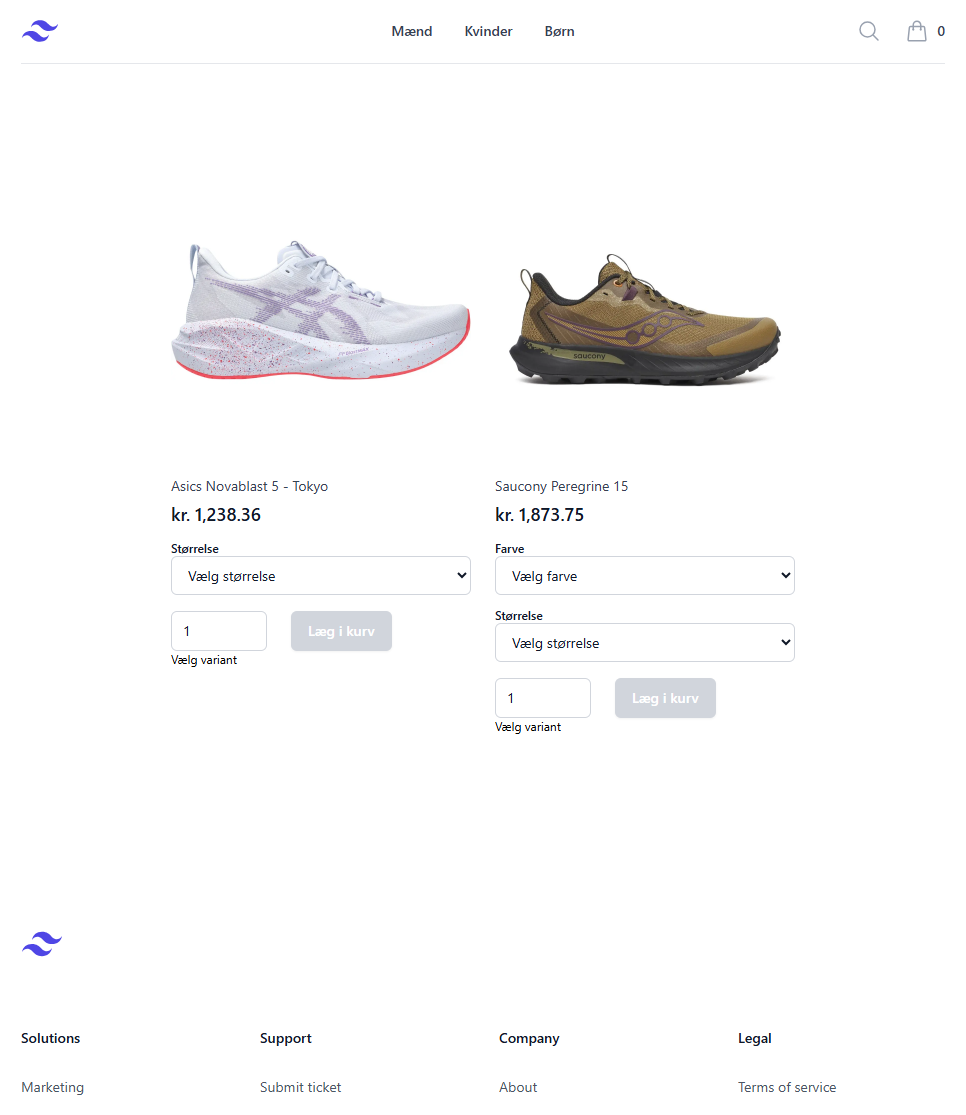
Backoffice and storefront, side by side
Editors manage the catalog and orders in Umbraco. Customers shop a fast, templated storefront — or your own headless build.
From install to first order in three steps
No schema to author, no external services to wire up. Install, configure, sell.
Install via NuGet
Add the package to your Umbraco project and run the migrations. One command, no manual schema.
Configure in backoffice
Map document types to products, set up payment providers and shipping methods visually.
Start selling
Drop the storefront widgets on your templates — or build headless with the API. Done.
> dotnet add package Optimus.Commerce
    > dotnet run

    // Migrations applied. Backoffice ready at /umbraco